
Morse Code Translator
Translate your text from English to Morse Code and from Morse Code to English instantly.
What Is the Morse Code Translator?
Morse code Translator is a tool that uses different combinations of dots and dashes and allows you to convert your textual messages into a series of dots and dashes that represent letters and numbers. It usually provides audio, visual(light), electrical signal output. It converts your text into morse code and you can copy or play it to hear what your text sounds like in a morse code.
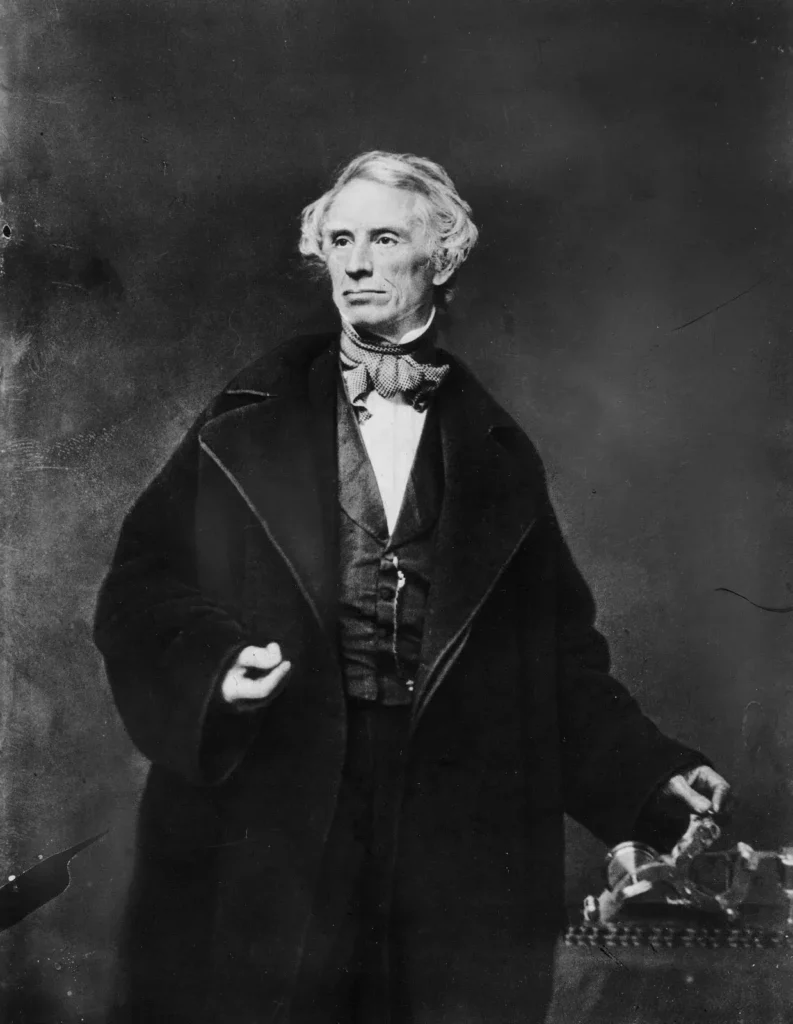
Who invented the Morse Code?
This system was invented in the United States by an American and inventor Samuel F. B. Morse in the 1830s and later improved by Alfred Lewis Vail.This device uses an electrical pulse to produce dots and dashes on a paper tape.
It has been used for communication and in this modern era, it is very useful for debugging small electronics with one LED and one button.
It allows you to convert your morse code into text and this tool will help you to get a combo of dots and dashes. You can enter any text or messages to get started with it.
What Is the International Morse Code
After the invention of Morse code, it became apparent that this code was not enough for the transmission of non-English text as it lacked code for letters with diacritic marks. So to compensate for this deficiency the International Morse Code was devised by a conference in 1851 to support letters with accents and non-English characters. It is also called Continental Morse Code.
The two systems are different in their working but International Morse code is more precise and accurate in its working. Both systems use combinations of dots and dashes but letter structure differs.
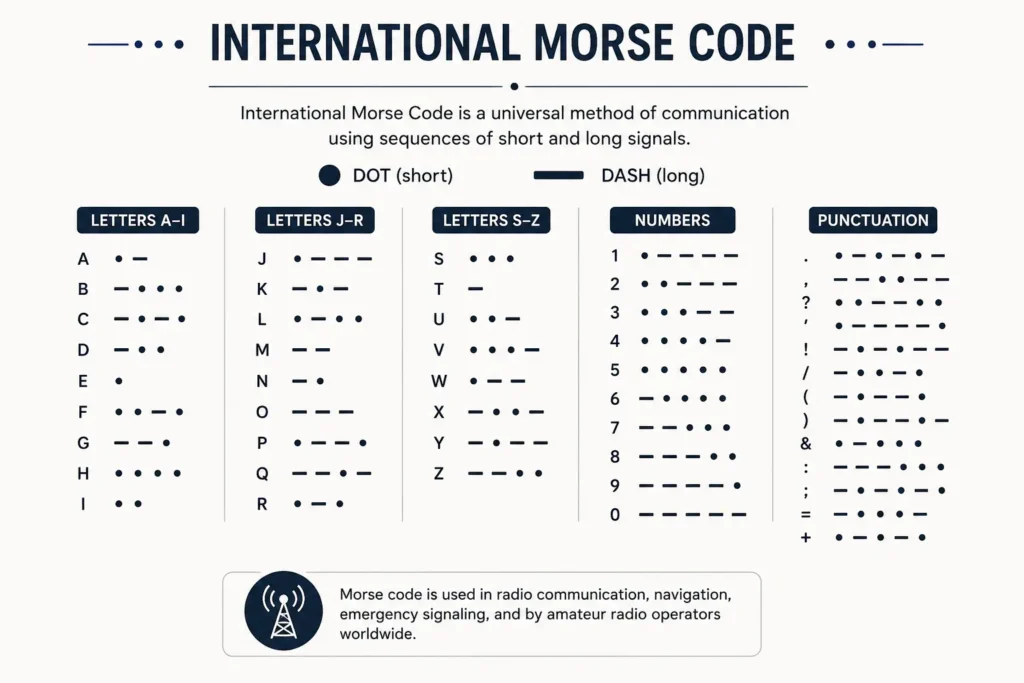
How To Use Morse Code Translator?
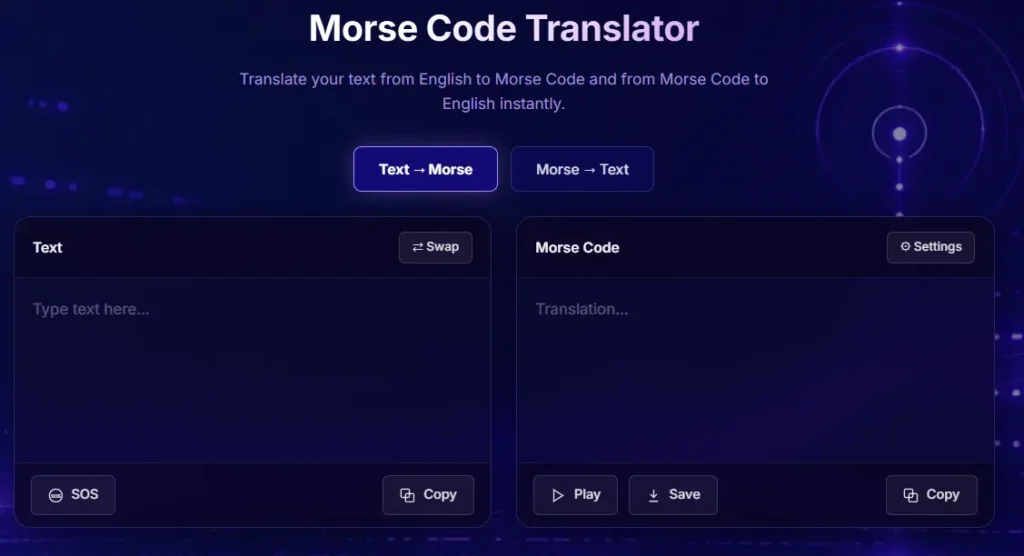
- Open the Morse Code Generator.
- Write your text in the text box and press enter key.
- You will see morse code translation in the Morse Code box.
- You can copy that code and use it on instagram, facebook or any other different social media platforms.
- Click on the “Play” Button to hear what your text sounds like in morse code.
- Then click on the download button under the Morse Code box to download the audio of Morse Code Translation.
What Are the Features of Morse Code Translator?
The features of using morse code converter are as follows:
Text to Morse Code
Type any word, sentence, or message into the text input field. The tool will automatically convert your text into Morse code using dots and dashes. This makes it easy to create Morse code messages for learning or communication. The translated Morse code can then be copied, saved, or played.
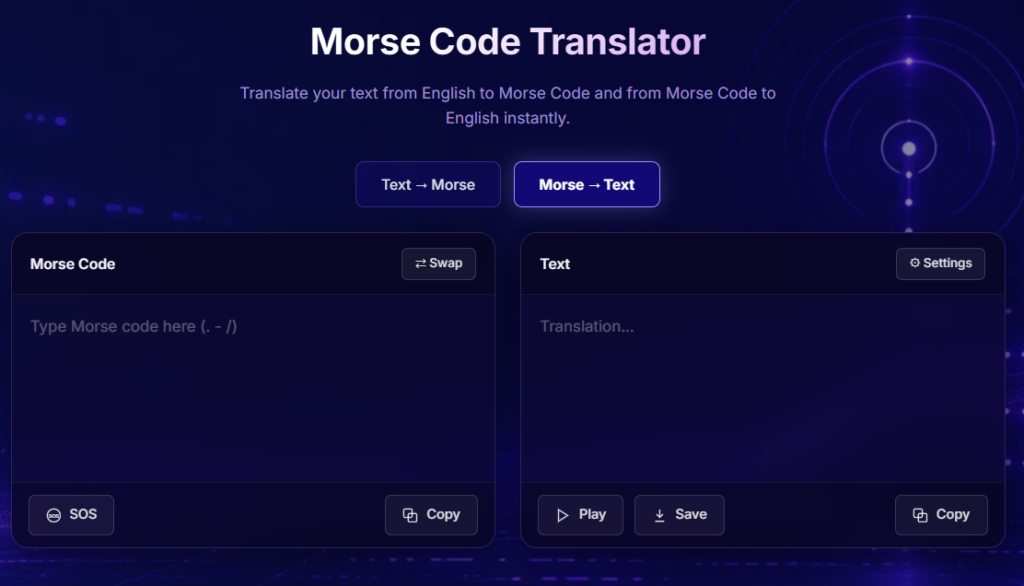
Morse Code to Text
Enter Morse code using dots (.) and dashes (-) in the input field. The tool will instantly decode the Morse code into readable text. This helps users understand Morse code messages quickly and accurately. The decoded text can be copied, saved, or used for further translation.
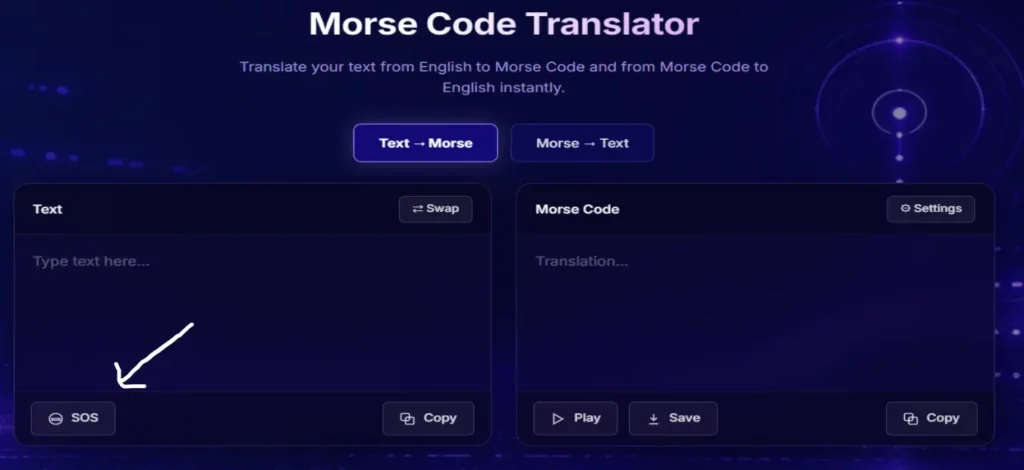
SOS
Click the SOS button to instantly generate the international emergency Morse code signal (… — …). This allows users to quickly learn and recognize the world’s most famous distress signal. The generated code can also be copied, played, or saved for practice. It is a useful educational feature for Morse code learners.
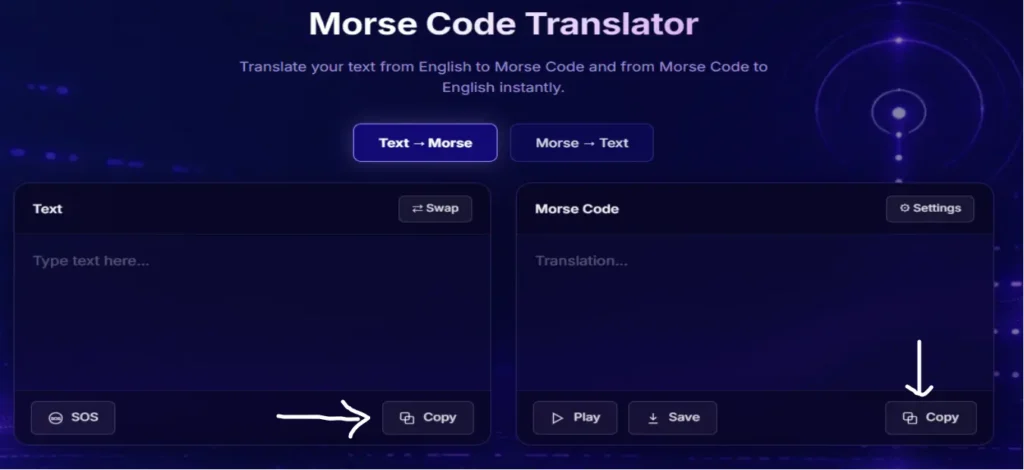
Copy & Paste
Enter your text or Morse code in the input box and click the Copy button to copy the result instantly. You can then paste it into messages, emails, documents, or any other application. This feature saves time and makes sharing translations quick and easy. Use the Paste option to quickly insert copied text into the translator.
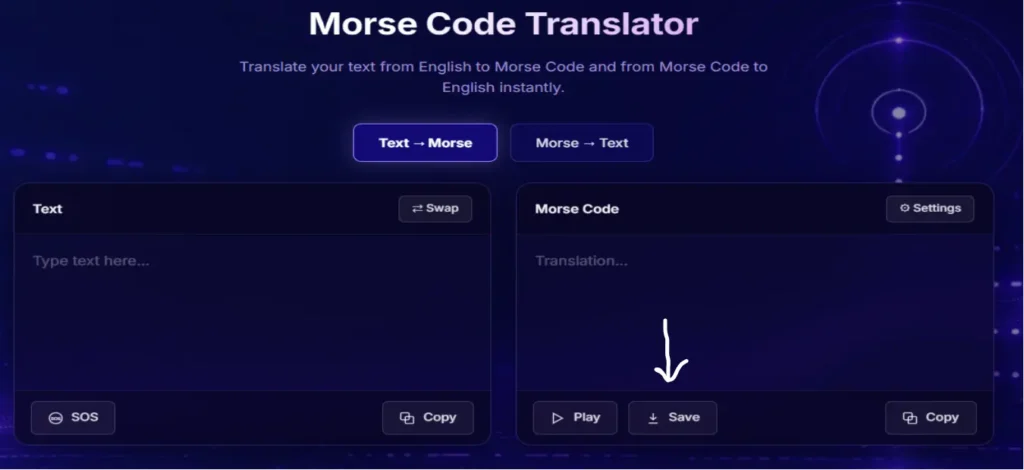
Save
After translating your message, click the Save button to store the result for future use. This helps you keep important translations without having to recreate them later. Saved content can be accessed whenever needed. It is useful for learning, practice, and record-keeping.
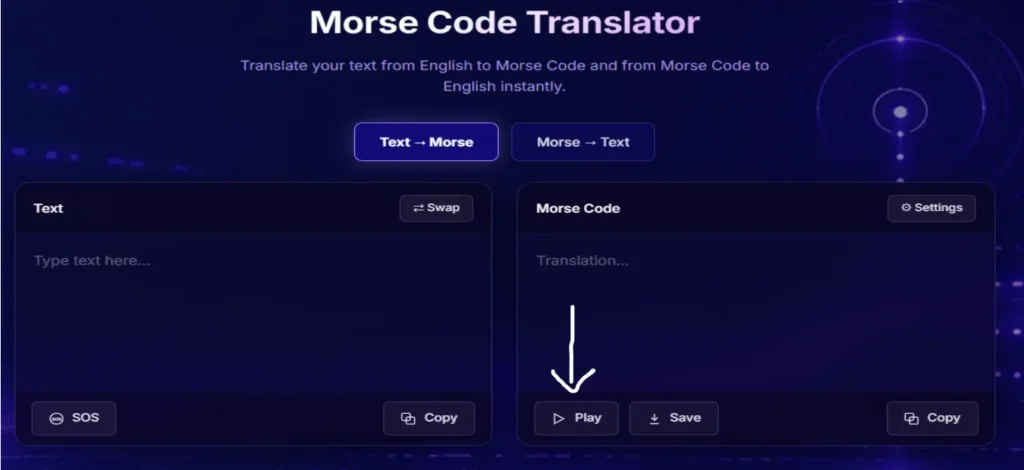
Play
Enter or translate a Morse code message, then click the Play button to hear the audio signals. The tool will play the corresponding dots and dashes through your device’s speakers. This helps users learn the correct Morse code rhythm and pronunciation. It is especially helpful for beginners practicing Morse code.
Keypoints
- Morse code encoder converts text to morse code.
- Morse code decoder converts morse code to text
- Bidirectional Translation converts text into morse code and decodes morse code back into readable text.
- Real-time Conversion immediately converts the text as you type or speak.
- Customizable Parameters allows adjustment of speed(word per minute), frequency(pitch) and volume.
Understanding Morse Code in Terms of Light Flashes And Audio
Morse Code Using Light Flashes
- Just click on the “Setting” button and then select the “show” option and then you will see a black patch and that is the right place below settings where you will see the flashing.
- Dots are shown with a slight flash that is half a second in duration.
- Dashes are shown with a large flash that is 1.5 seconds in duration.
- The spaces between the characters are the duration of one dot.
Morse Code Using Audio
The morse code audio is the same as light flashes and in this form you can hear long beeps. A half second short beep represents a dot while 0.74 second long beeps donates a dash.
To conclude, Morse Code is simple but powerful. It consists of dots and dashes and it allows you to keep your messages private and secret. It can help you to communicate, learn or have fun with coded messages as well.You can learn it by understanding Morse Code Alphabet. Morse code is a tool that allows its users to convert their text into a unique language and also a